
Check an unknown number
Enter, paste or share a number to see available public categories and reviews. No record doesn't mean it's safe; a caller's identity still needs checking.
SpamVeto · iPhone
Look up unknown numbers, block unwanted telemarketing and suspicious calls, and keep the calls that matter. Share a spam number with the community so your experience can help warn someone else.
iPhone · iOS 17+

Community
Share an unwanted number and its category to help other people prepare. Community numbers are added after reports from multiple users and manual review confirming spam. The team also occasionally adds manually compiled and verified numbers. Reviews and existing recordings are optional.
Features
Enter, paste or share a number to see available public categories and reviews. No record doesn't mean it's safe; a caller's identity still needs checking.
Use personal block and allow lists to manage numbers. Allow choices take priority within the app's number handling; system silence, Focus and carrier settings are separate. Personal iCloud list sync is free.
Choose up to 10 screenshots per import, recognize numbers on your device, then check each row before adding them. You can continue with another batch. It's free; the app doesn't upload or save the images.
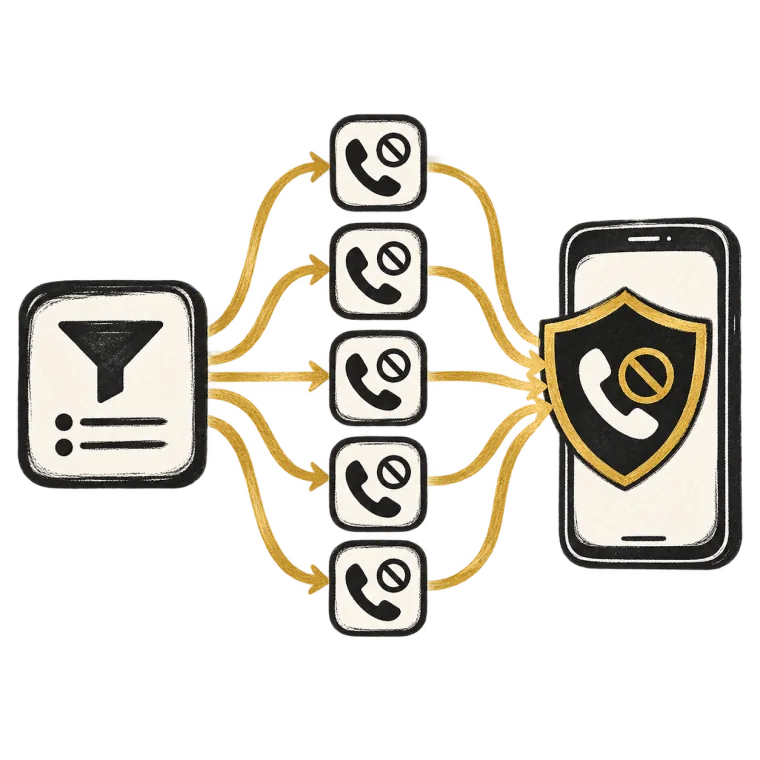
Create blocking rules for numbers with shared characteristics and save repetitive work. Membership also includes no ads and background updates. The matched and applied numbers remain subject to system capacity; this is not a limit on how many rules you can define.
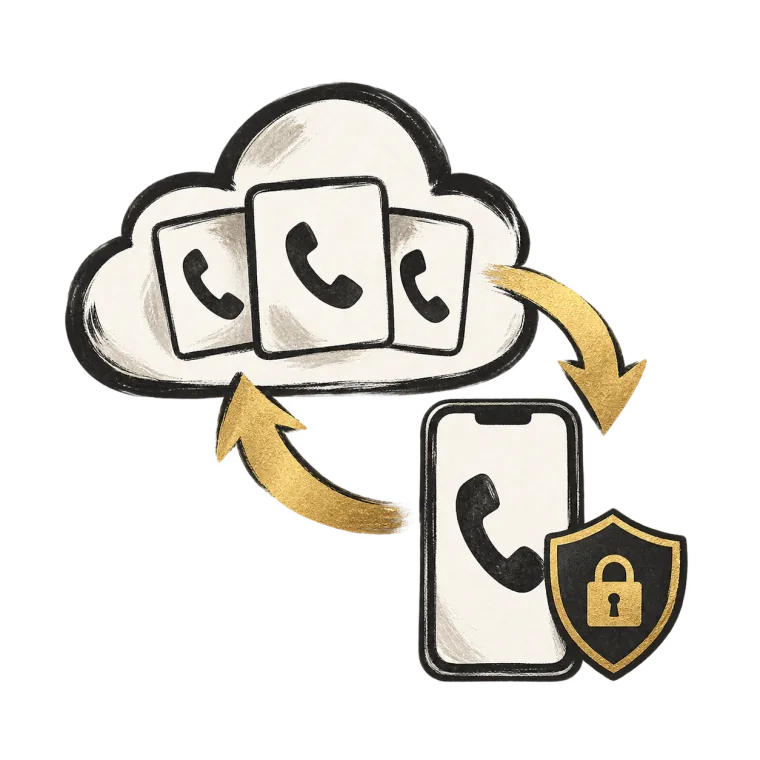
Personal list sync through iCloud is free. With the public library enabled, everyone can update it manually. Active members can also receive background updates when iOS schedules them. Regions and categories filter public numbers already on the phone; changing them does not download new numbers. There is no separate in-app switch to enable these background public-library updates.
Follow the app's instructions to turn on SpamVeto's Call Blocking & Identification extensions in iPhone settings.
Organize blocked and always-allowed numbers, decide whether to use the public library, and choose regions and categories. Confirm sharing separately when adding each number.
Return to the app, update the public database and your protection lists, then check the result. You can update manually again whenever you need. Saving an entry or preference does not confirm that iOS has finished applying it; check the application result.
The default sharing preference preselects the form option, but you still confirm each number. Uncheck it or turn the preference off. Old lists aren't scanned automatically. Turning off the preference does not withdraw reports already submitted. Personal notes are never uploaded to the community. To share your experience, write a separate public review without sensitive information. Screenshot recognition runs on your device. SpamVeto does not record calls. You can import an existing recording you have the right to share; each file needs separate publication consent and review.
Privacy PolicyKeep an expected courier or food-delivery call reachable without removing every protective setting on your iPhone.
Use a scheduled Focus and review its exceptions instead of treating every nighttime interruption as a spam-detection failure.
Check applied lists, exact numbers and independent iPhone controls before granting unrelated permissions or blaming database size.
You also need to enable SpamVeto's Call Blocking & Identification extensions in iPhone settings and update the lists in the app. iOS identifies and blocks calls using the prepared lists, subject to its capacity and behavior. Not every unwanted call can be blocked.
It isn't submitted automatically. You confirm sharing in each number's form; the default preference only sets the initial selection. Personal notes aren't uploaded to the community, and old lists aren't scanned. Community submissions need an available iCloud account.
Yes. The public library starts on, but you can turn it off on its page and keep personal blocked and always-allowed lists and existing member rules. Turning it off removes the public contribution from call protection while retaining the local cache and selected regions and categories. Turning it back on can first apply cached numbers; update manually for new ones.
Community numbers are included after reports from multiple users and manual confirmation that they are spam. The team also occasionally adds numbers after compiling and verifying them manually. A single report does not automatically add a new number to everyone's blocking list.
No. Personal list sync is free and separate from community sharing. When iCloud is available and sync is enabled, you can sync your blocked and always-allowed numbers.
Not necessarily. The database may not include it yet, and existing categories or reviews may be outdated or incorrect. Check the caller's identity and what they are asking for before sharing personal information or sending money.
Add it to the always-allowed list and check that the list was applied. This priority concerns the app's own number handling; it does not automatically override system blocks, unknown-caller silence, Focus or carrier filtering. You can also report an incorrect public category from the number details.
Number lookup, personal lists, screenshot import, personal iCloud sync and manual public-library updates are free. Each screenshot import accepts up to 10 images; you can start another batch afterwards. Membership adds ad-free use, custom blocking rules and iOS-scheduled background public-library updates, with no guaranteed time or completion on every attempt.
SpamVeto does not read system call history or record calls. Optional contact access is used for on-device number matching; manual lookup doesn't need it. Imported screenshots are recognized on your device, and the app doesn't upload or save the images.
SpamVeto offers personal block and allow lists, reviewed community number information, and on-device screenshot checks. Call protection requires enabled extensions and applied lists; it cannot stop every unwanted call.